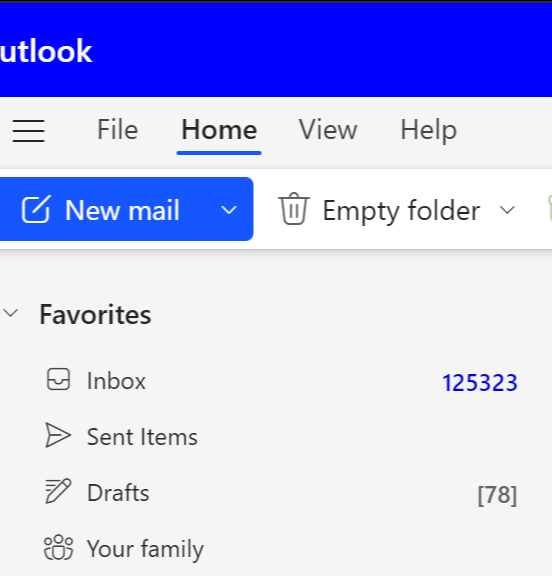
Thousands of unread emails. Newsletters you forgot you subscribed to. Receipts mixed with promotions. Important messages buried under years of inbox clutter.
KleerMail cleans it up - without deleting the stuff you might actually need.
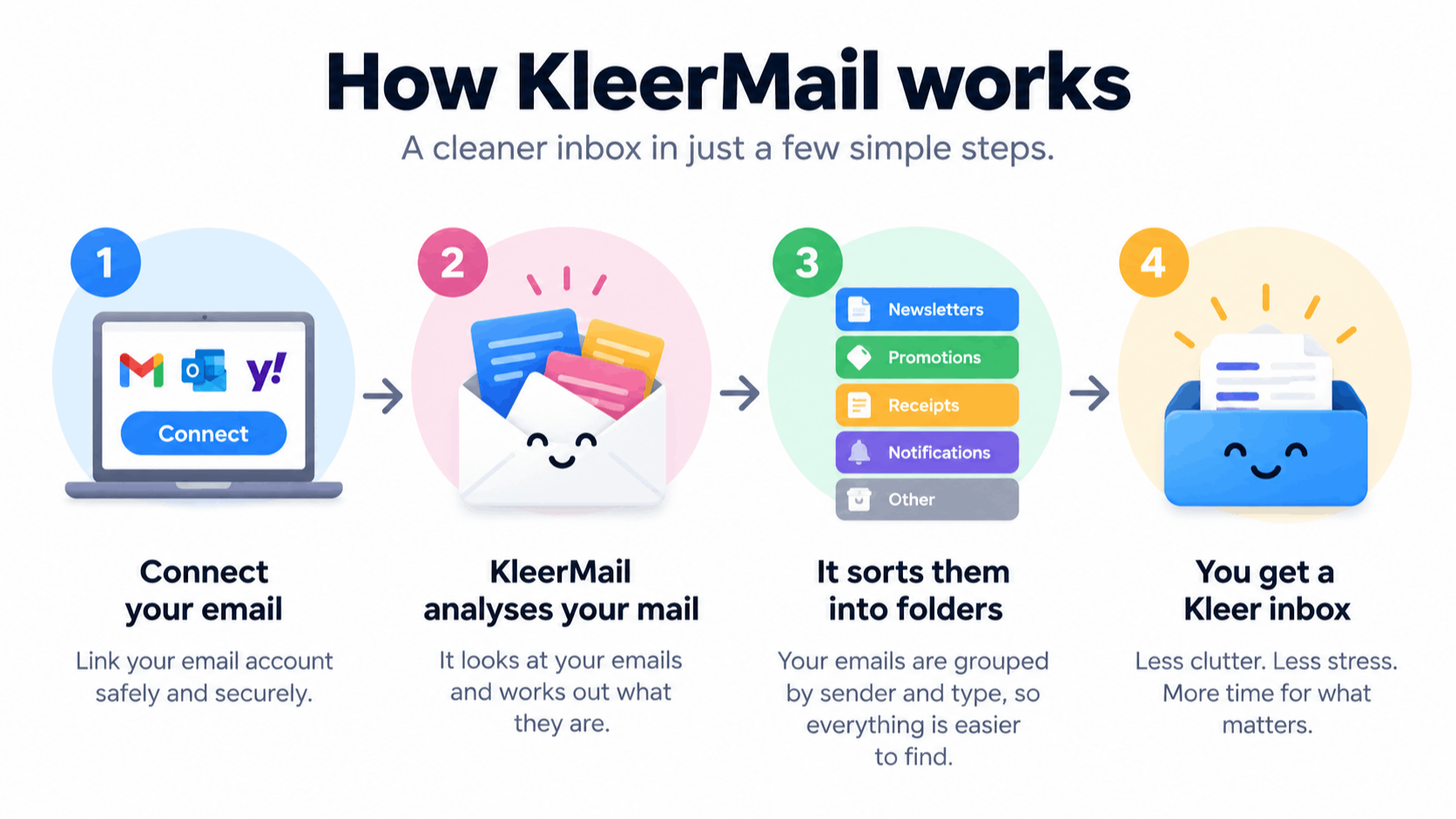
Connect your email account and KleerMail intelligently analyses, categorises and organises your existing mail, turning inbox chaos into something you can actually use again.

KleerMail separates newsletters, promotions, receipts, transactions, notifications and other mail automatically.
Messages are grouped by the real brand or sender - even when the From address changes.
See which brands are filling your inbox and browse their messages in clear, useful groups.
Important transactional mail stays separate from promotional clutter, so useful messages are not treated like junk.
Tackle years of accumulated email in one go instead of spending weekends sorting it by hand.
Once the backlog is under control, KleerMail helps stop your inbox from becoming chaotic again.
A constantly full inbox creates a low-level sense of stress and unfinished business. Every unread message can feel like another task demanding attention, increasing cognitive load and making it harder to focus.
Over time, inbox clutter can contribute to anxiety, avoidance and the uncomfortable feeling that you’re always falling behind.
Too many newsletters, alerts and automated messages hiding the email that matters.
Receipts, shopping updates and years of subscriptions finally separated into something manageable.
For the mailbox with thousands - or tens of thousands - of unread messages and no obvious place to start.
On starting, we perform a one-off Deep Kleer of your emails. This costs $2 per 1000 emails and capped at $59 for the BIG Inbox users out there!
Kleer Your Inbox and Your Mind.
To keep up to 3 inboxes free of clutter and stress! All but important emails are moved to your Smart Folders for you to decide what to do next.
No. KleerMail is built around visibility and control. The goal is to help you review what has been identified and decide what should happen next. KleerMail sorts your email into Smart Folders so you can decide what to do with it (delete it or keep it).
Yes. A newsletter from a retailer is not the same as a receipt or account notification from that same retailer. KleerMail keeps those distinctions separate.
Smart Folders are created in your email to group messages by logical sender or brand, making it obvious which organisations are responsible for large volumes of email. It makes it easy for you to see what they are and what do with them.
KleerMail resolves related sender addresses back to the logical brand where possible, rather than treating every From address as a completely separate sender. It can distinguish newsletters from receipts or order details, so your important emails are always separate - and safe!
Yes. Deep Kleer is intended for exactly that problem - years of accumulated messages and an inbox that is too large to sensibly sort by hand.
Keep It Kleer is designed to help prevent the same clutter from building straight back up once the initial clean-up is done.
Step 1:
Connect your email account
Step 2:
See what KleerMail finds
Step 3:
Take control of the clutter
Questions? hello@kleermail.app
Your inbox. Under control.